
Revised article
Make nice high-res charts and graphs

I originally explored this workflow because charts became blurry when placed in slides. The useful principle is to keep a vector master and export a raster image only at the size the destination needs.
Keep an editable vector master
Create your chart in a tool that can export SVG. Save the data and the SVG separately: the picture alone is not a substitute for the source data. Open the SVG in a vector editor if you need to adjust labels or colors, then check that the exported result still matches the values.
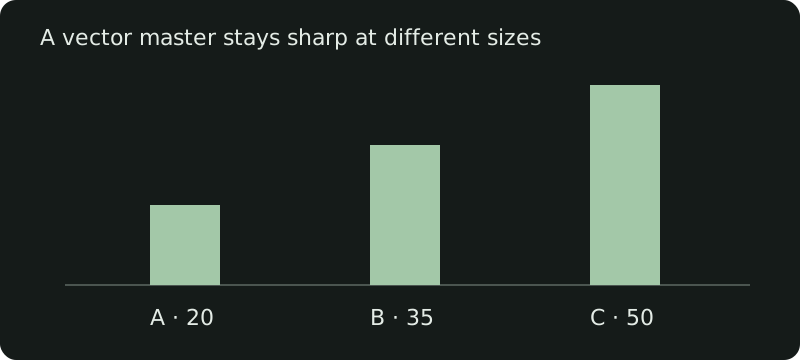
This new example replaces the unavailable 2021 screenshots. It is an illustration of the format, not a screenshot of LibreOffice or Inkscape.
Download the SVG example. It uses simple shapes and text, so you can inspect or edit it without a special chart library.
Export enough pixels
For a raster image, width and height in pixels determine the available detail on a screen. If a chart will be displayed 800 CSS pixels wide, a 1600-pixel export is useful for a display with a pixel ratio of two. Increasing a DPI metadata value without adding pixels does not add detail.
For print, combine the intended physical size with the requested pixel density: a 6-inch-wide chart at 300 pixels per inch needs 1800 pixels across. Export from the vector master at that size instead of enlarging an already small PNG.
Check the destination
Use SVG where the destination supports it, and PNG when it needs a raster image. Verify fonts, labels, contrast and transparency in the actual slide, document or webpage. Supply a short text description or the underlying values when the chart conveys information.
The original workflow used LibreOffice and Inkscape. Their specific menus and screenshot dimensions were tied to that version; the missing screenshots have been removed rather than presented as current instructions.