
Learning / Teaching
A very stupid machine: explaining computers (and AI) to 9-year-olds
How I presented computers to my daughter's class for Science Week: what worked, what didn't, and what I would change.
For Science Week, I gave a presentation to my daughter's class. Her teacher warned me upfront: for many of these children, a computer is pure magic. She suggested I open one up in front of them, with a camera so everyone could see. As a software engineer, I liked the idea, but I didn't think it would be enough. Seeing the parts of a computer doesn't tell you what they do.
So I built the presentation around one idea, which also became its title: the computer, a very stupid machine. Here is how it went, in the order I gave it, with what worked, what didn't, and what I would do differently next time.
Round 1: the stupid robot
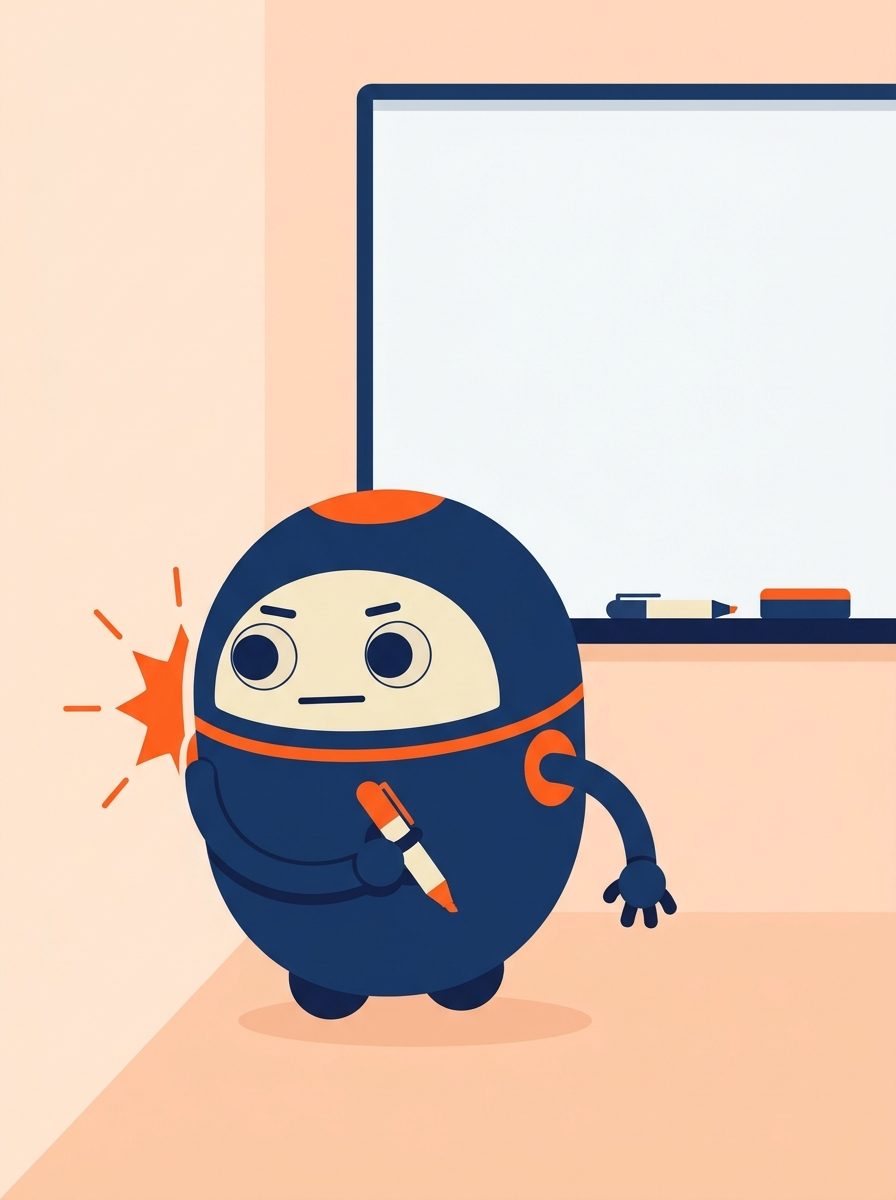
The rules were simple. I am a robot. You give me orders, one at a time. I do exactly what you say. I don't guess and I don't think. The mission: get me to draw a stickman on the board.
I handed the microphone to a girl in the audience and asked her to instruct me. Surprisingly, her instructions were pretty clear, and I could follow them all the way until she asked for "two circles for the eyes." I took that opportunity to show what a robot does with a vague instruction, and drew some very ugly eyes. The whole class burst out laughing.
"Draw a head" sounds clear between people, because we share assumptions about its shape, size and position. A robot shares none of them. Where does it start? How big is the circle? The children had to supply every decision themselves, and that awkwardness is the whole point: a program is a list of instructions with nothing left to interpret.
If you try this: don't stop early if the child's instructions are surprisingly clear. Keep going. Sooner or later, an instruction will be vague enough for the robot to get it wrong, and that moment is the one everyone remembers.
Very stupid, but very fast
So if a computer is that stupid, how does it do so much? Two reasons. First, humans gave it the right instructions: someone wrote, step by step, every recipe it follows. Second, it follows them incredibly fast. That was the key sentence of the whole presentation:
A computer is very stupid. But it is very, very fast. It does very simple things, billions of times per second.
Each instruction is tiny: add two numbers, compare two values, move information around. Written well by humans and repeated billions of times, those tiny steps add up to games, music and videos. The computer isn't clever: the people who wrote its instructions were, and its speed does the rest. (Keep that question of who writes the instructions in mind: it comes back in round 2.)
“What is this?”
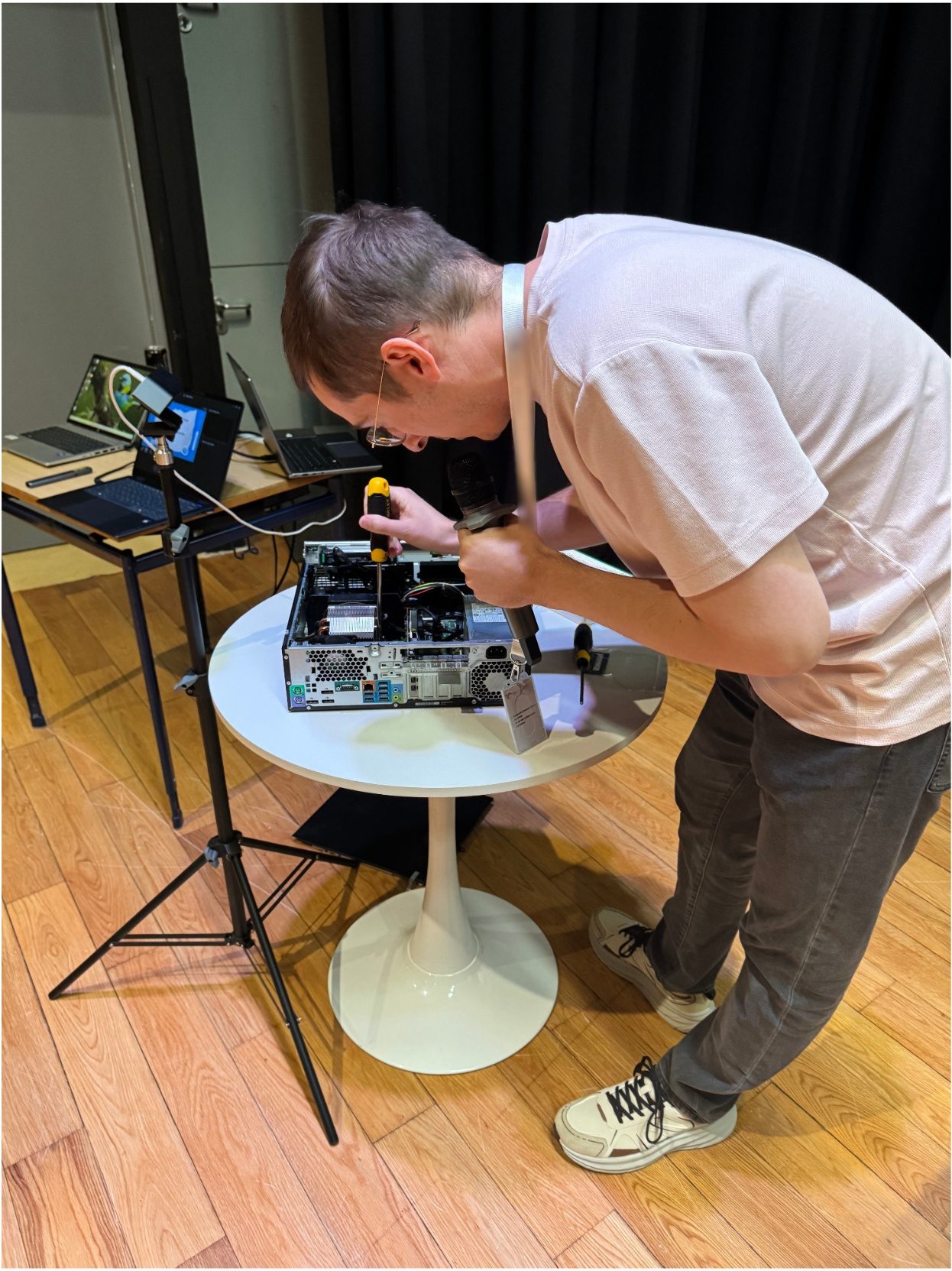
To begin the hardware part, I held up a stick of RAM and asked who knew what it was. All the answers were pretty far off, which was delightful: one child said it was for making video games, another for making music.
I then tried to take the CPU fan off live, on a computer the school had lent me, but my screwdriver wasn't the right one. After unscrewing just one of the four screws, I gave up. Instead, I explained the different parts and only unplugged the graphics card, which was easier to pass around the rows of children. As I pulled it out, I told them that a graphics card is like a mini-computer inside the computer: it has its own processor, its own memory, even its own fan.
Opening a computer makes its components visible, but it does not make their purpose any clearer. A child can hold a stick of memory and still have no idea what it does. The parts needed something the children already understood.
Next time: if the computer is lent to you, ask to look at it beforehand, or at least bring a screwdriver with a full set of bits.
A computer is a kitchen
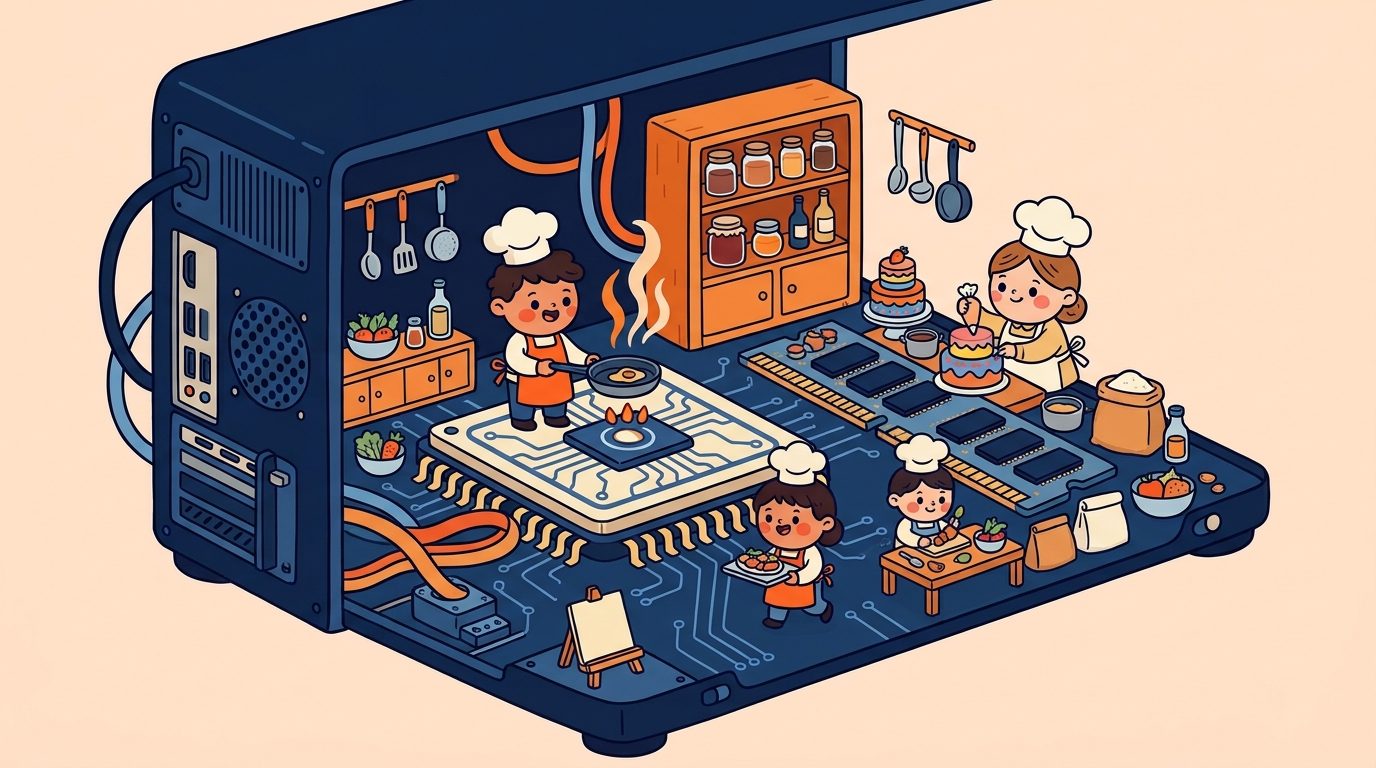
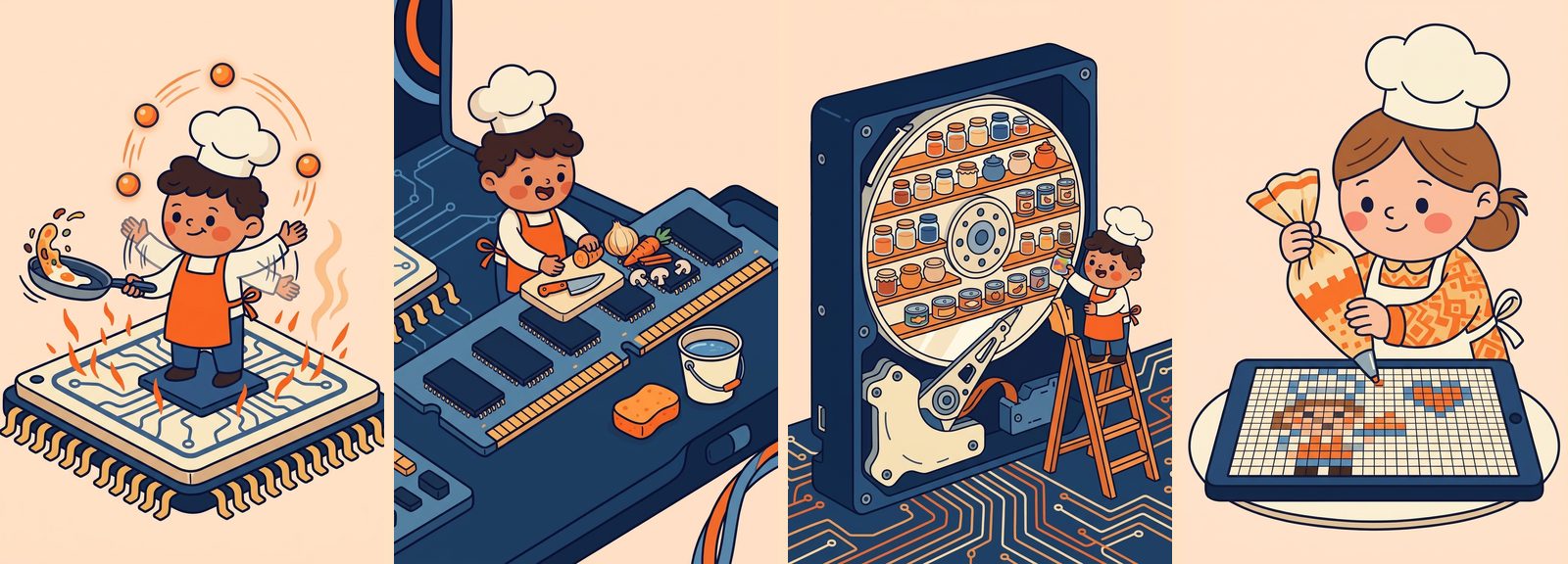
That something was a kitchen. Each component got a role:
- The processor is the chef. It does all the calculations, following the instructions one by one, without ever thinking.
- RAM is the worktop. It keeps everything the chef needs right now within reach. When the computer is turned off, it forgets everything.
- The disk is the cupboard. It stores photos, games and programs for a long time, even when the computer is off.
- The graphics card is the decorator. It makes the images on the screen, dot by dot, and a screen has about 2 million of them. Like the mini-computer the children had just passed around, she has her own corner of the kitchen, with her own worktop.
To finish, the children had to find each of the four in a picture of a kitchen.
The analogy worked because it didn't stop there: it carried through to the end of the presentation, as the next sections show.
Next time: rather than just attaching a kitchen label to each component, I would follow one task through the kitchen. To bake a cake, the recipe comes out of the cupboard, the ingredients go on the worktop, and the chef works through each step. A running program works the same way. I would also say where the analogy stops: a real chef uses judgment, and a processor has none.
The language of 0 and 1
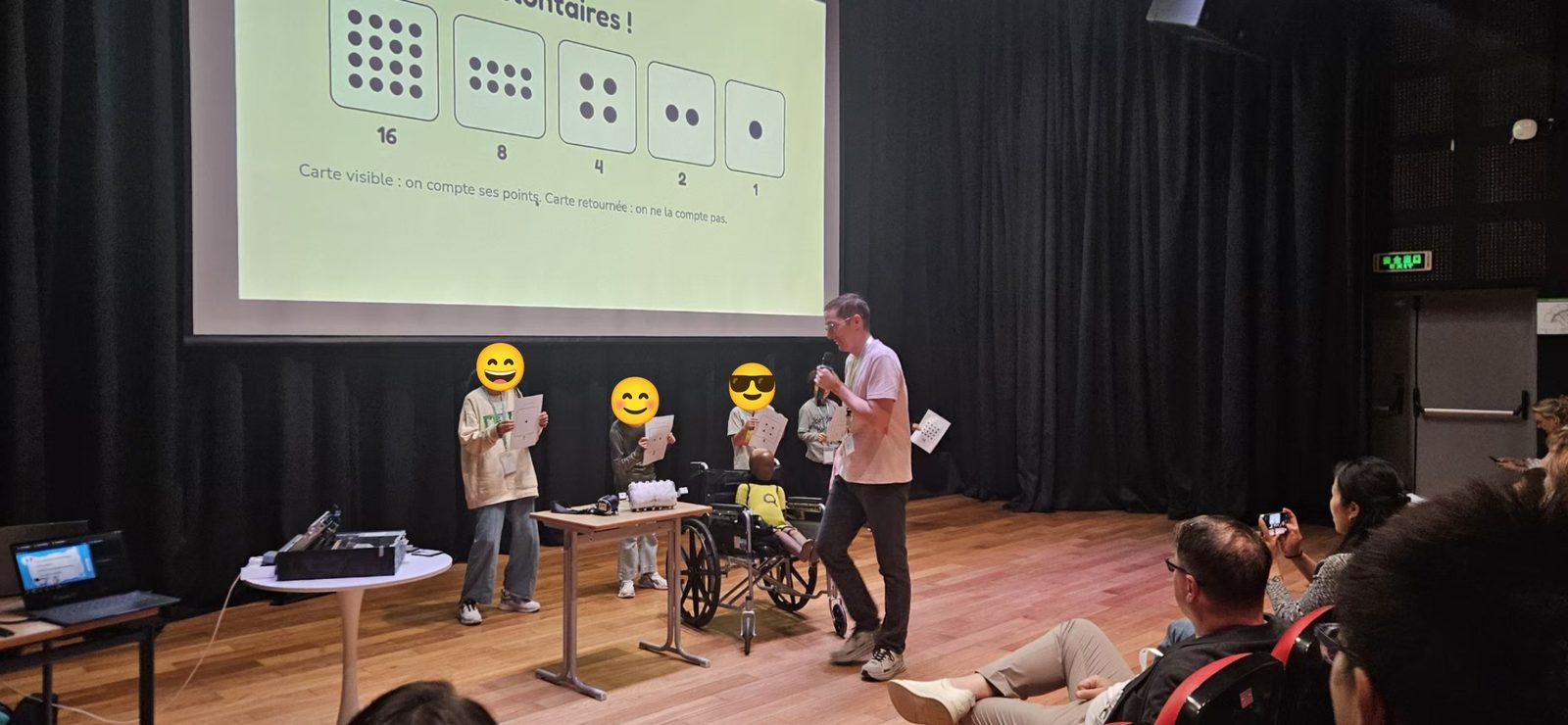
In a kitchen, the chef follows a recipe. The processor follows instructions too, but its recipe isn't written with words. Its alphabet has only two symbols: 0 and 1, off and on. Inside a processor, there are billions of tiny switches like that.
To make this concrete, I asked for five volunteers. Each one held a card with 16, 8, 4, 2 or 1 dots. A visible card counts; a card turned around doesn't. To make 13, you show 8, 4 and 1, and hide the others. In computer language, 13 is written 01101.
Overall, this one went well. The children found how to make 13 quite easily. But I skipped a step: once the right cards were showing, I didn't spend enough time on the transition from "13" to "01101". The point of the game was the zeros and ones, and I didn't insist on them enough.
Like the robot, the card game doesn't explain a whole computer. But it gives children a manageable step between a very simple rule (on or off) and a more elaborate result.
Next time: after finding 13, I would write the cards' states on the board, one digit under each card, so the 0s and 1s appear in front of everyone. Then I would flip the exercise: give a child a number in binary, say 10010, and ask them how much it is. Reading a binary number back is the real proof they understood it.
Round 2: the robot with an AI
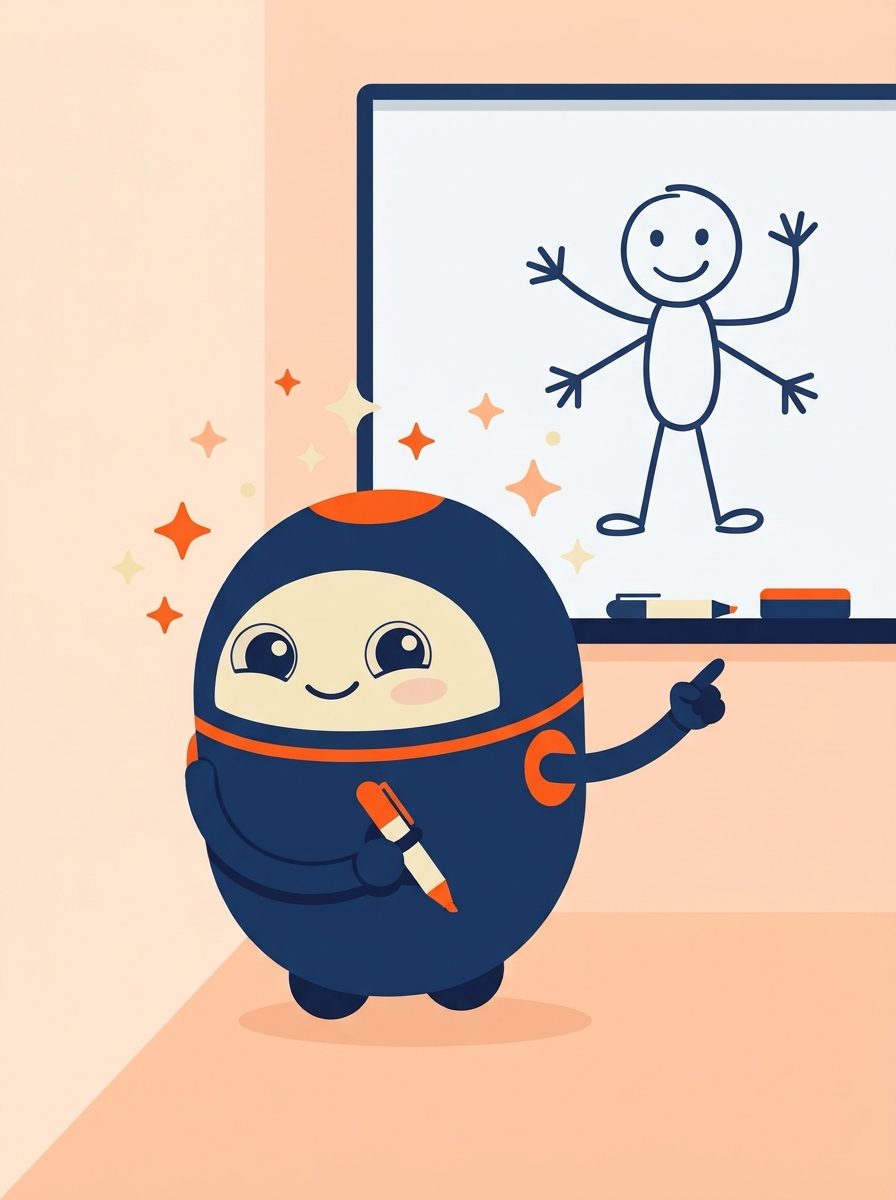
Then the robot came back, this time with an AI. The new rules: you just tell me what you want. I do it right away, very fast. But I can make mistakes, without knowing it. The mission: find my mistake.
I handed the microphone to a boy and asked him what the AI robot should draw. He had no idea. After a long pause, he said: "a house." And that's where I got stuck. I had planned to show a stickman with three arms, the kind of confident mistake an AI can make, and I couldn't see how to make that happen with a house. So I told him never mind, drew a stickman with four arms myself, and tried to explain the point. It came out far too vague.
Looking back, the moment that threw me was actually a lesson in itself. With an AI, writing the instructions is no longer the hard part. Knowing what you want, and saying it clearly, is.
Next time, I would keep the same mission as round 1 so the comparison is obvious:
- "Our robot now has an AI. We just ask: draw a stickman."
- The robot draws it instantly, with four arms.
- Hand the microphone to a child: "Is this right? What should the robot fix?"
The child then does what my job has become: check the result, spot the mistake and ask for a correction.
My job today
Round 1 was what my job looked like until recently: writing precise instructions, line by line. Round 2 is closer to what it looks like now:
- I explain what I want.
- The AI writes the recipe.
- I check it and fix it.
As I put it to the children: like a chef, I always taste before serving. The robot is faster than ever, but someone still has to understand what it produced and decide whether it is right.
For me, this shift felt strangely familiar. Years ago, as CTO of Pixelmatic, I led a large team, and my work moved away from code towards defining needs, giving feedback and reviewing. Back then, that was overwhelming at times. It forced me to step up in organization, management and delegation. After Pixelmatic, I went back to writing code full-time. Since 2026, that's over: I am the manager of my LLMs. It's the same job I learned at Pixelmatic, only much smoother and much faster, and the quality is good and keeps getting better. But I still hold the wheel.
It has also removed a lot of barriers. Many things used to be humanly hard to justify: they required learning a new technology, keeping a lot in your head, or simply grinding through hours of tedious work for gains that were small or uncertain. Port an app to another language? Fine. Build a website? Fine. Automate that annoying task nobody wanted to touch? Fine. The question is no longer "can I afford to do this?" but "do I know what I want, and can I check the result?"
The finale: an image made live
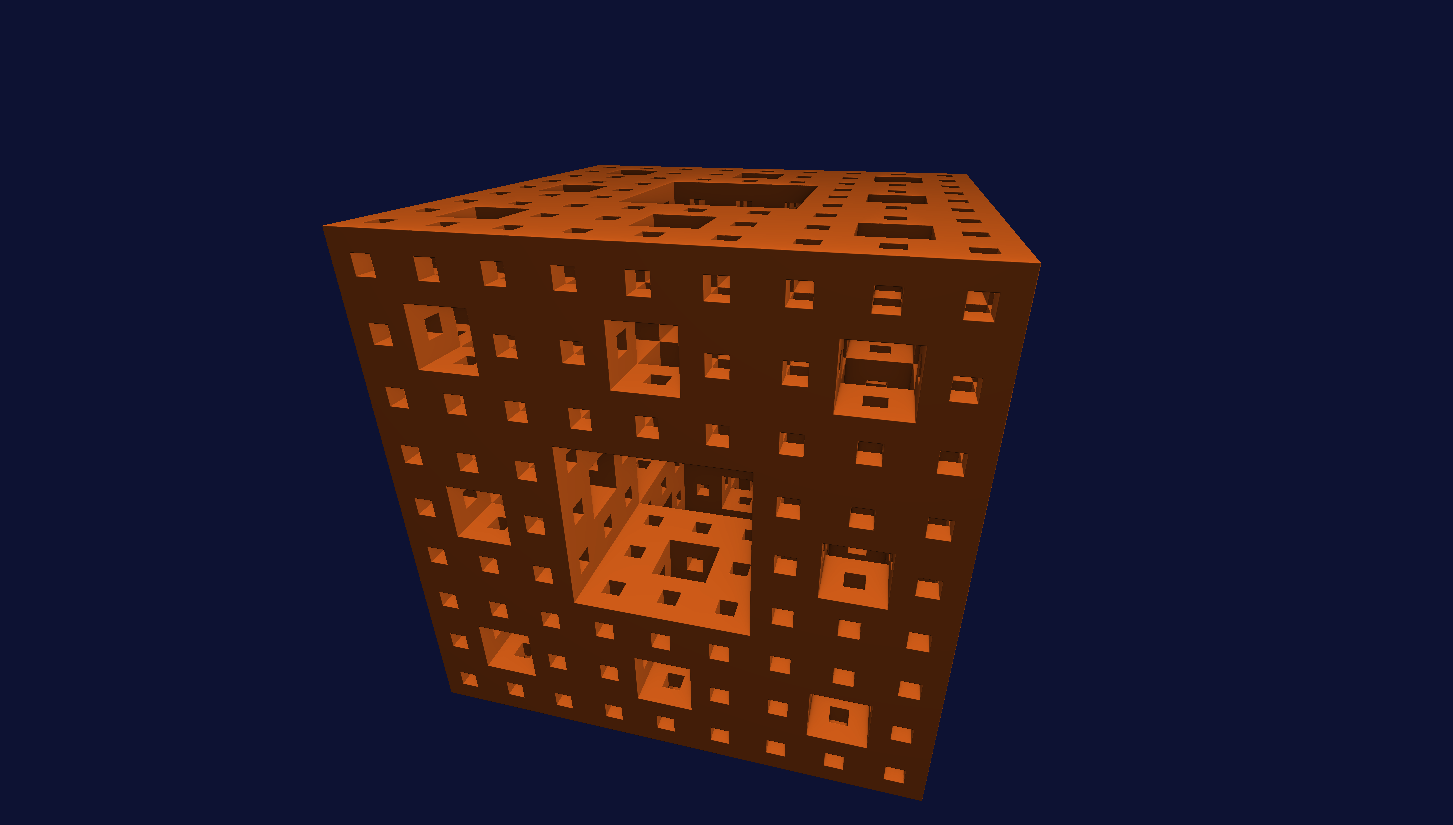
To close, I showed an image generated live by the computer: a 3D shape called a Menger sponge, drawn from a recipe of about 70 lines and recomputed several dozen times per second. The rule is simple: take a cube, cut it into smaller cubes, and remove the ones in the middle. Then do the same thing again with every cube that's left.
I started with a plain cube, then showed the first level of holes, then the second. By the third, the children had understood the rule. Of course, they immediately wanted me to jump to level 1000. I tried to explain that it wouldn't show anything more, and they negotiated: "OK, 10 then." So I went to 10, then back down to 9, 8, 7… to show them that from around 7, nothing changed anymore. The holes had become too small to see.
That negotiation turned out to be a great ending. The holes really do become smaller than a single dot on the screen: remember the 2 million dots? The computer keeps faithfully computing holes that nobody can see. It's the whole presentation in one image: 70 lines of very simple instructions, repeated millions of times, produce something nobody in the room could have drawn by hand. And the machine is still too stupid to know when to stop.
Next time: I would bring the kitchen back one last time. The shader is a recipe, but not for the chef: it's a recipe for the decorator, the graphics card. And the decorator is really a whole team of thousands of tiny decorators. Each one follows the same short recipe for a single dot, and they all work at the same time. That's why the graphics card can repaint 2 million dots dozens of times per second.
If time allows, I would follow it with a demo where the chef shines: a maze solved live, step by step. The chef tries a path, hits a dead end, goes back and tries another. Each step depends on the one before, so splitting it among thousands of decorators wouldn't help. The two demos side by side show why a computer needs both: one very fast chef for steps in order, and a huge team of decorators for the same simple task done everywhere at once.
If you try this yourself
- Start with a game, not a component. The robot gave the children a question before I showed them any hardware.
- Pick one analogy and stick with it. The kitchen carried the processor, memory, binary, AI and my job, all in one picture.
- Do a full dry run. And if the computer you'll open isn't yours, check it in advance or bring a set of screwdriver bits.
- Let the robot game run until it goes wrong. Clear instructions only make the eventual failure funnier.
- Ask the reverse question. Finding 13 with cards is good; reading 10010 back as a number shows they really understood binary.
- Let them push the parameters. When they ask for level 1000, show them why it stops making a difference.
- Tie every demo back to the kitchen. Say whose recipe it is: the shader is for the decorator, a maze solver is for the chef.
- Script the AI round. Use the same mission as the first round, prepare the mistake in advance, and let a child do the checking.
- Have a fallback for volunteers who freeze. An open question ("what should we draw?") is harder for a child on stage than it looks.
Looking back
I left the classroom both happy and a little disappointed. I had been afraid the children would sit quietly and refuse to take part. It was the opposite: they were eager to volunteer, and they laughed easily. Just saying that the computer was stupid was enough to get the whole room going. That exchange was the best part of the day.
The disappointment was about me. The presentation wasn't as smooth, as clear or as well-explained as I had hoped, and I hadn't really rehearsed. Part of the reason was my daughter: I didn't want to show her everything beforehand, so she wouldn't be bored on the day. Maybe I should have. A dry run at home would have caught the house and the missing zeros and ones.
Still, the review that matters most came afterwards: my daughter told me mine was the funniest presentation of the day, and that she really liked it. I'll take that.
A very stupid machine, and humans who explain… and who check.
Photos: courtesy of the school. Illustrations: generated with Gemini.