Developing a rhythm game with LÖVE

Curious software engineer
Last week at the end of that article I mentioned that I was working on a game in order to explore LÖVE. That game is called Beathoven. It is a rhythm game based on the remix sound of the 5th symphony of Beethoven made Lionel Yu and Nicolas Chazarre.
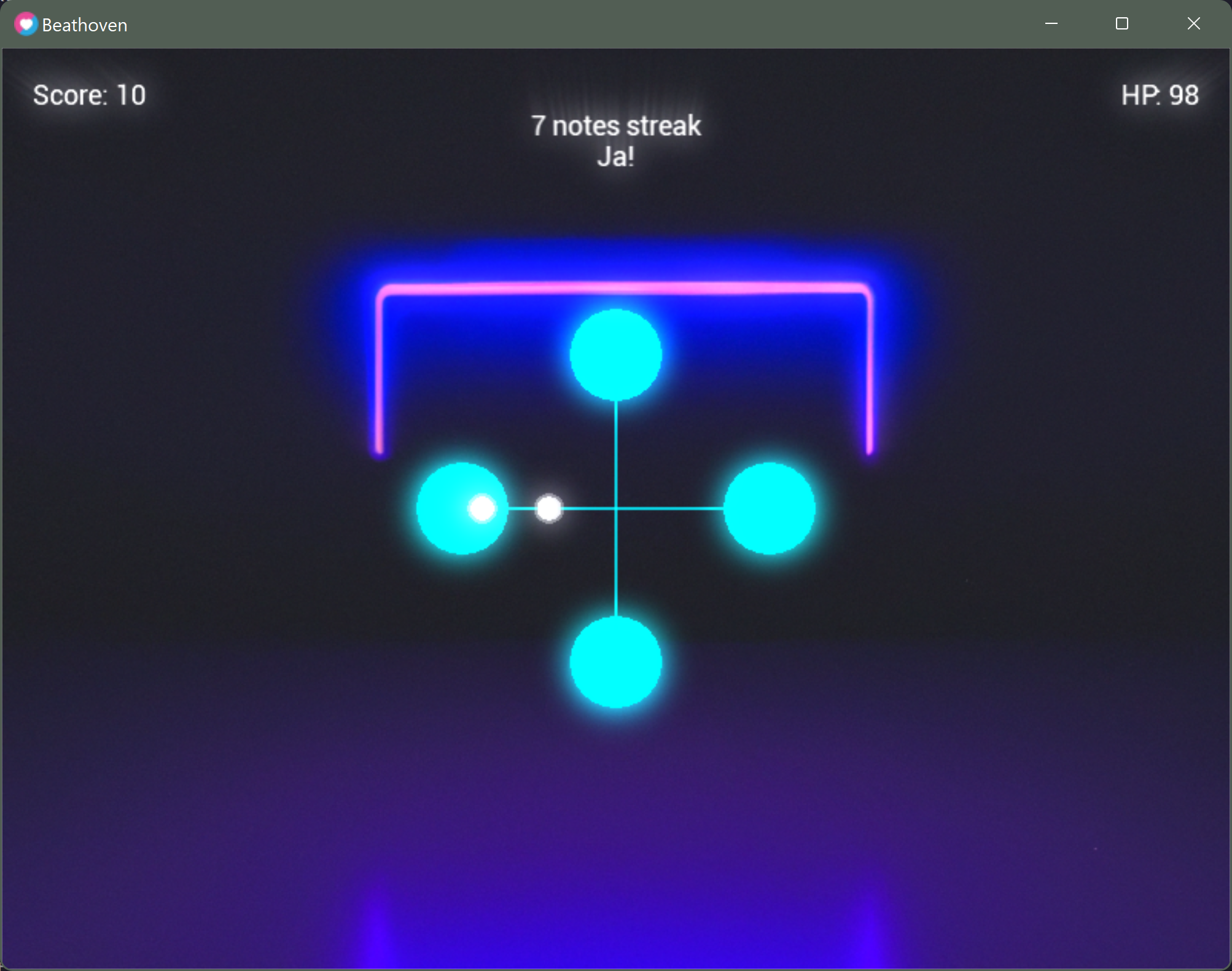
Instead of using a piano like controller, I wanted to use something a bit more like those music arcade game with button spread around the screen.
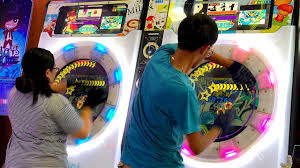
And I went with 4 buttons spread as a diamond. 4 buttons means 4 fingers game play, which sounds not too overwhelming, but still fun.
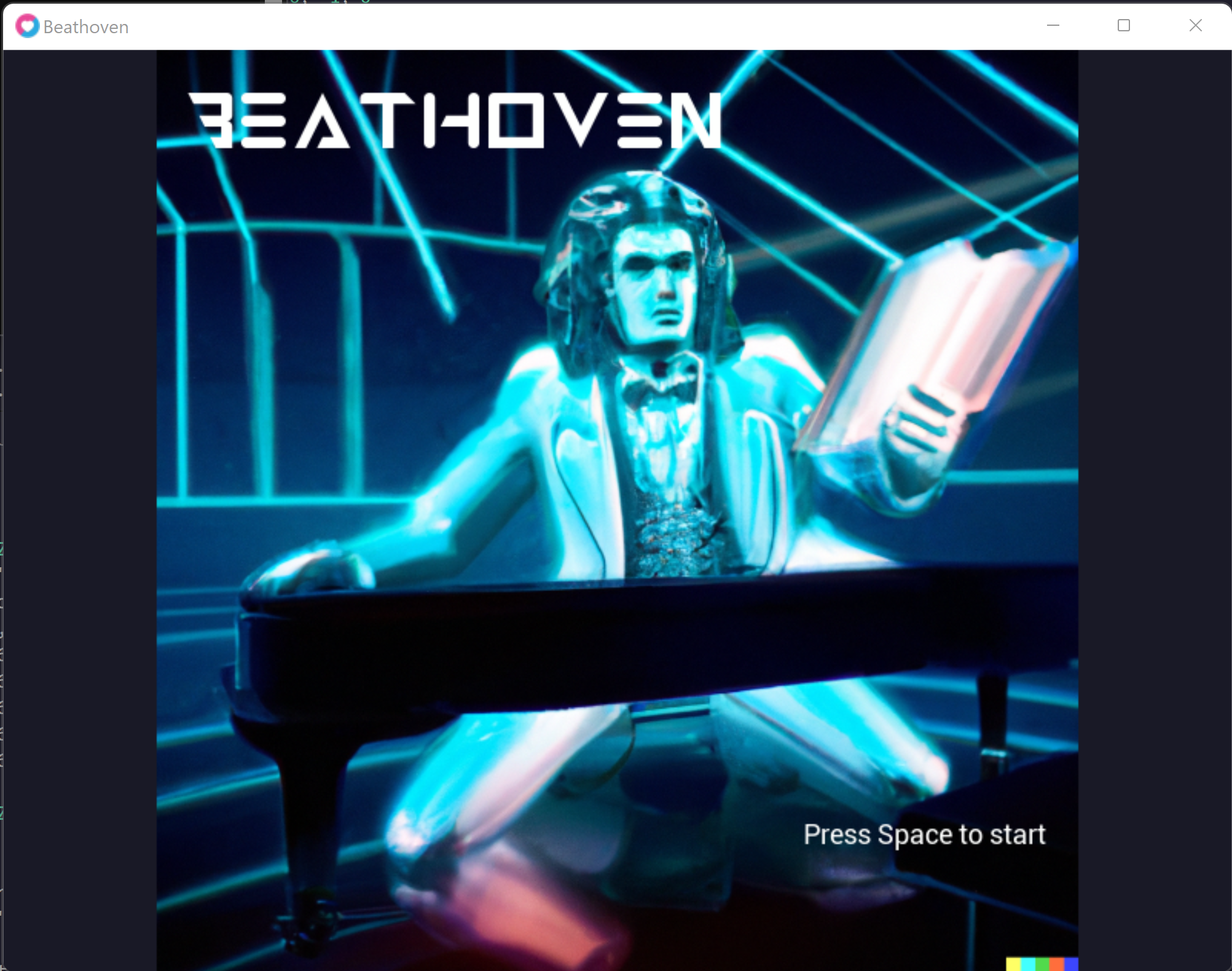
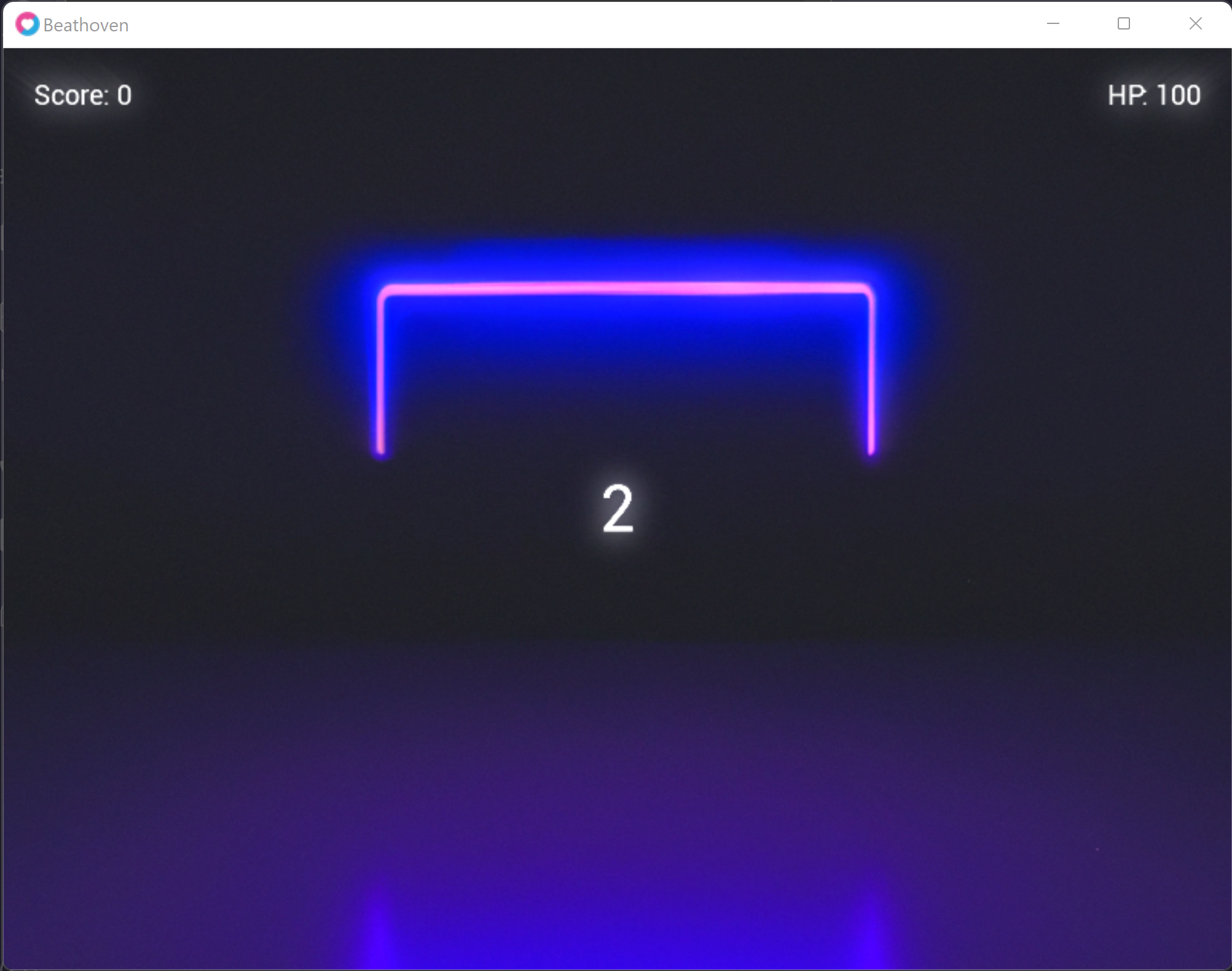
Some screenshots
Current features
- Splash screen
- Title screen
- Timer before actual rhythm game starts
- Gameplay with 4 buttons (tracks) with instant pressed notes only
- Scoring at each right note
- HP reducing at each wrong note
- Note streaking tracking with different messages at different levels
Planned features/work
- Game Over screen with scoring and retry button
- Finalizing the notes balancing and rhythm
- Adding more animation in the UI
- Game responsive
- Game introduction
- Better particles effects
- Long notes with kept-pressed buttons
🤝 Some sharing
It’s difficult to reduce multiple hours and several thousands lines of code in one blog article, so I’ll share a couple of things.
📬 Tracks’ queue
In order to save the notes currently on the track of a button, I made this Queue class (based on the classes.lua I shared in my last article.)
local classes = require "classes"

local Queue = classes.class()

function Queue:init()
    self.first = 0
    self.last = -1
    self.items = {}
end

function Queue:count()
  local count = 0
  for _ in pairs(self.items) do count = count + 1 end
  return count
end

function Queue:enqueue(value)
    self.last = self.last + 1
    self.items[self.last] = value
end

function Queue:dequeue()
  if self:count() == 0 then
    return nil
  end

  local first = self.first
  local value = self.items[first]

  self.items[first] = nil        -- to allow garbage collection
  self.first = self.first + 1

  return value
end

function Queue:deleteFirst(value)
  local i = -1
  for k = self.first,self.last,1
  do
    if self.items[k] == value then
      self.items[k] = nil
      i = k
    end
  end

  -- Value not found
  if i == -1 then
    return
  end

  for k = i,self.last,1
  do
    self.items[k] = self.items[k+1]
  end
  self.items[self.last] = nil
  self.last = self.last - 1
end

function Queue:print()
  local res = "Queue: { "
  for k,v in pairs(self.items) do
      res = res..k..": "..v..", "
  end
  print(res.." }")
end

return Queue
When I press a button, a note is dequeued, and we check if the note was overlapping the button. If it was, then it’s a success and if not, then it’s an early miss.
🥁 Beat Finder
A rhythm game means playing with the rhythm/beat of a music.
In order to do that, I could think of several solutions:
- Using Fast Fourier Transformations on the sound data to detect high frequencies peak and put a note at that moment
- Using the 5th symphony partition
- Using a tool like Audacity to automatically detect the beat
I went with the latter, knowing that I would still have a lot of manually editing to do, to make things fun.
If you load a sound in audacity, you can click then on Analyze > Beat Finder
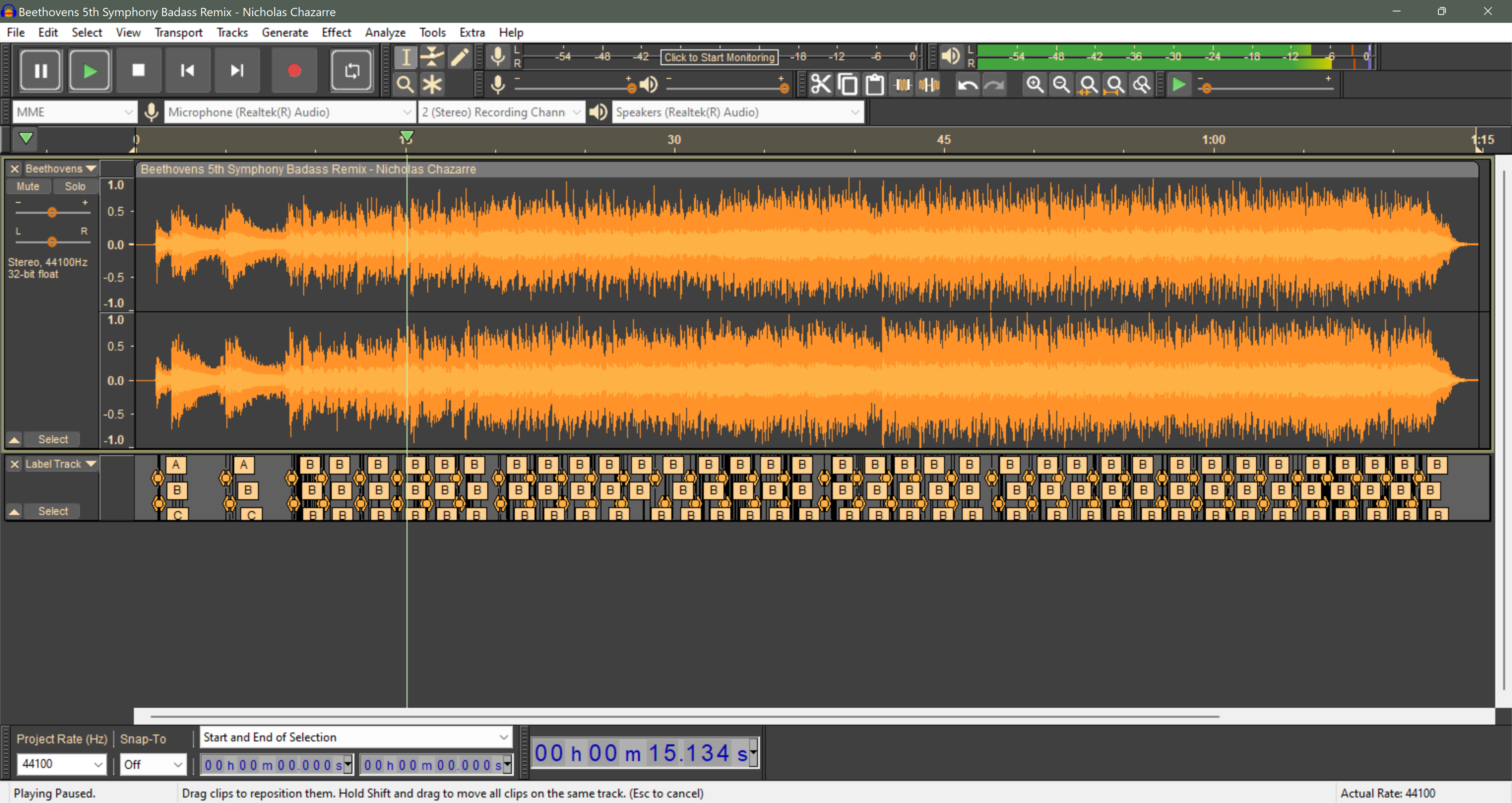
This will add a label track with a label on each beat detected. You can export it then File > Export > Export Labels. It’ll provide you a text format easily parsable.
Conclusion
If you were looking to making a rhythm game on your own, I hope that my findings can help you to get kick-started quickly. If you are interested in Beathoven and/or would like to participate in the dev, let me know. For now, the game is not open source, but once I am happy with the state of the code and game I’ll share it.